LisaOS — focused, native, and evidence-led
An operating system for focused work.
LisaOS brings native applications, a coherent desktop, and a developer platform into one product family. What is ready is stated plainly; what remains under review stays visible as work in progress.
The Shift
Chat was the first interface for AI.
This is the next one.
Real work needs more than one generic pane. LisaOS organizes focused native applications around the jobs people actually do, while keeping system authority, release evidence, and device acceptance visible.
Yesterday
One chatbox for everything. Same UI for every job. Tools bolted on. Memory vague. Agents hidden somewhere behind a slash command.
LisaOS
Focused applications belong on the desktop. Their system boundaries and release state should be just as clear as their interface.
Underneath
One operating layer carries application identity, permissions, updates, and the desktop experience without hiding critical system state.
Why LisaOS
Not one assistant. An OS full of AI-native apps.
The contrast that defines LisaOS.
Inside LisaOS
One system. Many purpose-built apps.
Each Lisa application has a clear interface and purpose. The system underneath provides shared identity, permissions, files, updates, and desktop integration.
Applications
Focused apps for everyday work.
LisaOS organizes focused applications for system tasks, creative work, and development. Availability is always tied to the evidence behind that release.
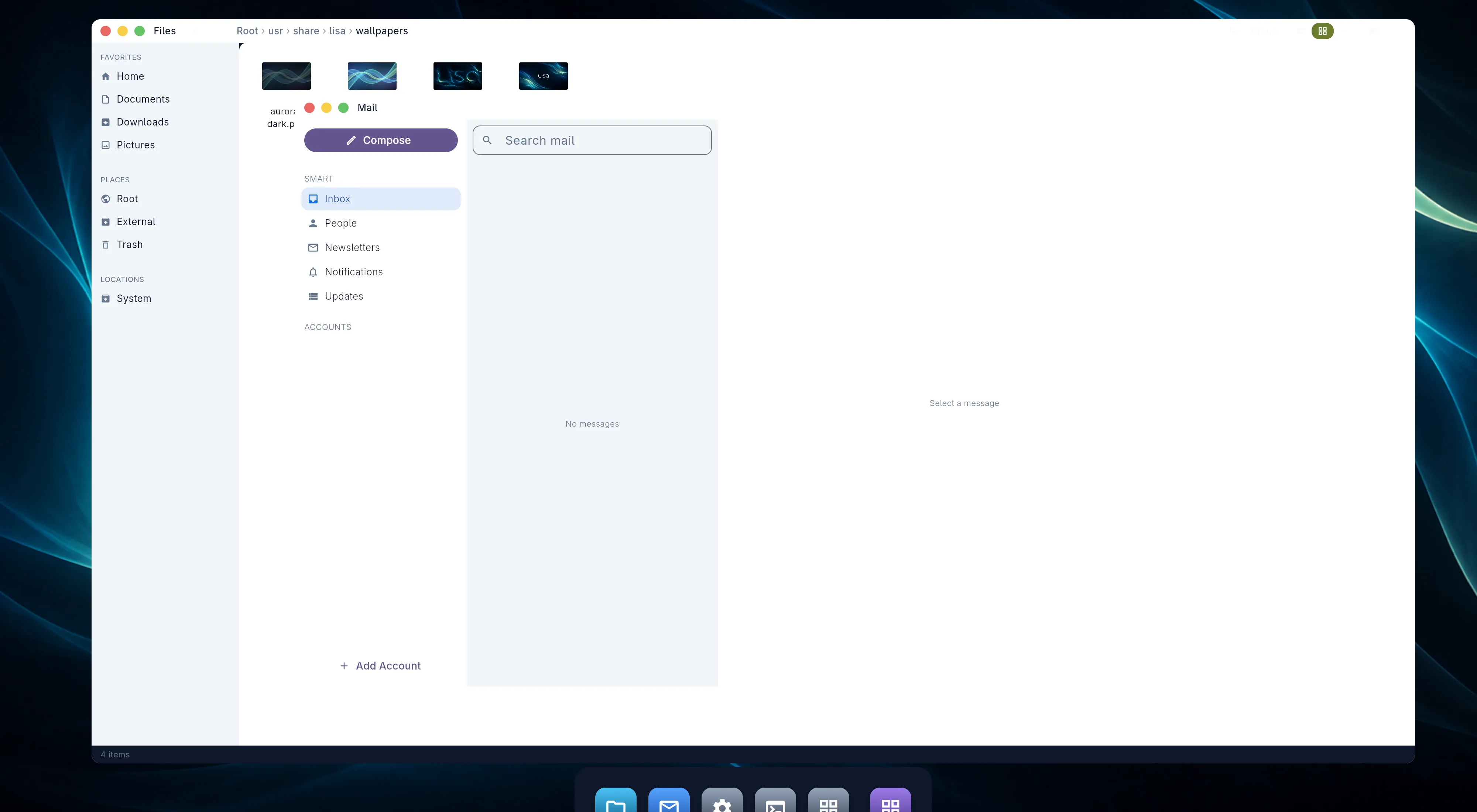
Captured on the M1: Files, Mail, the desktop wallpaper, and the focused application dock.
/shots/m1-mail.pngEach application is part of one coherent desktop, with a clear release and authority boundary.
SDK
Build for LisaOS with a clear contract.
The developer portal organizes LisaOS contracts, SDK guidance, verified feature status, and release documentation. It never substitutes a product claim for a tested and accepted capability.
Eating our own dogfood
We built a Space to build Spaces.
SpaceKit is the Space we use to scaffold, edit, preview, and publish every other Space — including itself. Same SDK as yours. Same Operator. Same OS. If it is good enough to ship the platform, it is good enough to ship your workflow.
- 01Scaffold from a manifest.Pick a name, an icon, and the capabilities the Space needs. Operator drops the boilerplate.
- 02Edit in-Space, with help.The coding view opens beside the manifest. Operator pairs alongside, scoped to the Space being built.
- 03Preview live, in another Space.Hot-reload the new Space in a sibling window. Real OS, real identity, real Operator — not a sandbox lie.
- 04Publish where it belongs.Public Space Store, private to your org, or scoped to one project. One command, three audiences.

The SpaceKit Space inside LisaOS. Left rail: Manifest, Code, Preview, Publish. Center pane shows a live edit on a sample Space (e.g. Notes), right pane shows the preview rendering in a sibling window. Operator panel summoned, scoped to the Space-in-progress, suggesting a missing capability declaration. Reads as: same OS, same Operator, recursive.
/shots/space-developer.pngSpaceKit is open to anyone with a free LisaOS install. The SDK documents what is under it; the developer portal is where Spaces are listed once published.
The future is not one assistant.
It is an operating system full of AI-native apps.
Free to use. Open SDK. Built for every team that does real work.